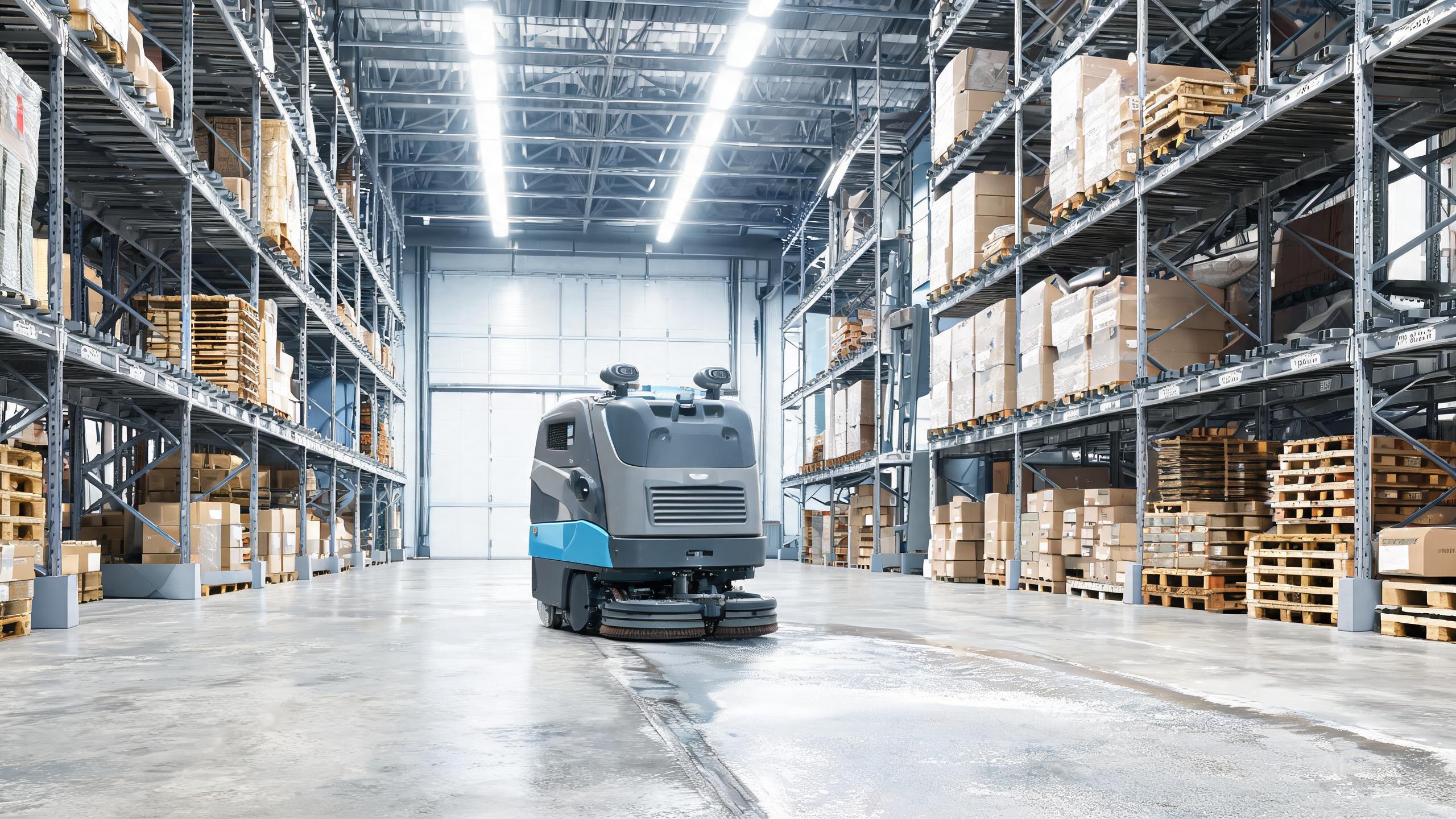
The Tennant X6 ROVR earns its place among the top robotic floor scrubber brands by cleaning up to 75,000 square feet per shift, but even the best autonomous floor scrubber 2026 can throw a fault code mid-route. This commercial cleaning robot review focuses on what to do when your X6 ROVR stops, drifts, streaks, or drains too fast. None of these fixes require a service call unless noted, and each one protects the warehouse cleaning robot ROI that justified the purchase.
Navigation and SLAM Faults: When the X6 ROVR Stops or Drifts
The most frequent complaint on any autonomous scrubber vs manual cleaning comparison is route interruption. If the X6 ROVR halts and reports a localization error, first clear the immediate area: its large footprint needs room, and a single pallet jutting into the aisle can confuse mapping. Wipe the sensor band with a microfiber cloth, since dust film is the leading cause of drift in warehouses. Restart the unit from its home position rather than mid-aisle so it can re-localize against known landmarks. If errors repeat in the same zone, check for new racking, shrink-wrap glare, or reflective floor patches, then remap that section. Persistent SLAM floor scrubber cost questions usually trace back to repeated remapping calls, so keeping the environment stable is the cheapest fix.
Battery and Charging Problems That Cut Coverage Short
Coverage claims assume a full, healthy charge. If your X6 ROVR finishes well under 75,000 square feet, log the runtime for a week before assuming a hardware fault. High-drain culprits include extra brush pressure on rough concrete, frequent obstacle detours, and running the scrubber in cold dock areas. Confirm the dock contacts are clean and that the unit seats fully, because partial charging overnight silently shrinks the next shift. Avoid opportunity charging in short bursts unless the manual for your build permits it. If runtime drops sharply after months of service, request a battery health check through Tennant service support rather than replacing packs speculatively.
Brush, Squeegee, and Water Pickup Issues
Streaking and puddles are the faults users can fix fastest. For uneven cleaning, lift the deck and remove wrapped shrink-wrap or string from the brush, then check that bristles are not worn past the wear line. For water left behind, inspect the squeegee blades for nicks and rotate or replace them, and clear any debris lodged in the pickup hose. Foam in the recovery tank usually means too much detergent; dilute per the label and add defoamer if needed. Because the X6 ROVR is a scrubber built for warehouse and logistics floors, it expects debris levels typical of those sites, so pre-sweeping heavy areas extends blade life. These small habits matter more to long-term robotic floor scrubber brands comparisons than any spec sheet.
Connectivity, Software, and When to Call Tennant Service
If the robot vanishes from your fleet dashboard, reboot the onboard system and the access point before touching settings. Confirm the unit is within Wi-Fi range along its whole route, since dead zones at far dock doors cause silent dropouts. Install firmware updates only when the machine is docked and idle, never mid-shift. After an update, run a short test route before returning it to full duty. Escalate to Tennant service support when you see repeated drive-motor faults, error codes that survive a clean reboot, or physical damage to the sensor band. Documenting error codes and timestamps speeds the visit and protects the warehouse cleaning robot ROI you modeled when buying.
Our verdict
Most X6 ROVR downtime traces to environment, consumables, or charging habits, not the robot itself. Keep aisles clear, sensors clean, blades fresh, and charging complete, and the machine delivers the throughput that makes it the best autonomous floor scrubber 2026 for large sites. Treat recurring faults as data: they tell you where your facility, not your robot, needs attention, and that discipline is what keeps commercial cleaning robot review verdicts favorable year after year.