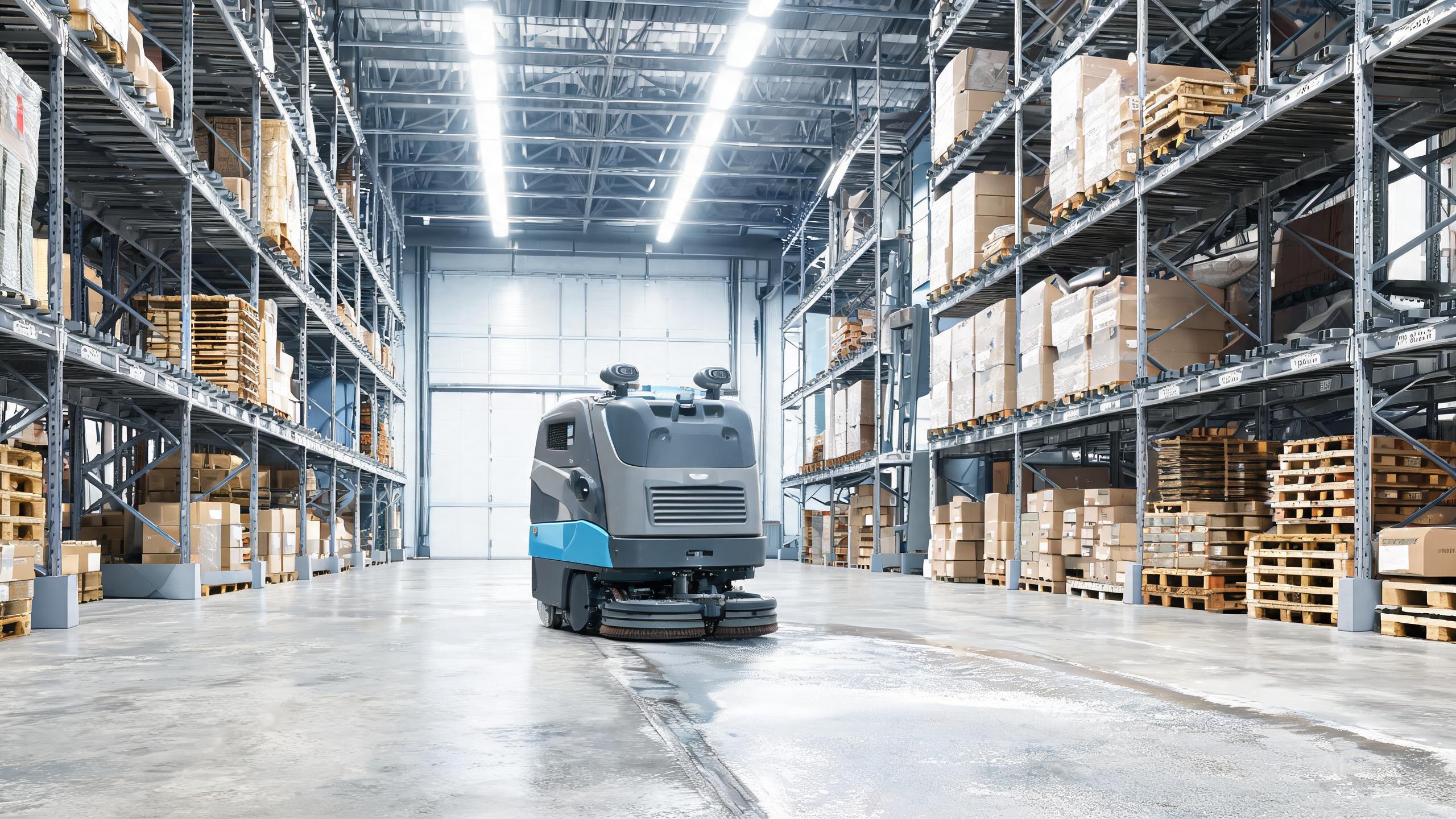
Even the best autonomous floor scrubber 2026 can hiccup. This commercial cleaning robot review is not another spec sheet: it is a field troubleshooting guide for the ECOVACS DEEBOT PRO M1. Below are the most common problems reported by facilities teams, why they happen, and how to fix them without a service call. All fixes are based on the machine's actual capabilities: 3-in-1 scrub, sweep and dust-mop modes, auto water refill and drain, a self-cleaning waste tank, and centralized fleet management.
Docking and Auto Water Refill Failures
The most frequent complaint is the robot failing to dock, which blocks auto water refill and drain. Check three things in order. First, confirm the dock area is level and free of debris; a 3-in-1 machine that scrubs, sweeps and dust-mops will drag grit onto the dock ramp. Second, wipe the charging contacts and the dock pins with a dry cloth, since residue from dirty water reduces contact. Third, verify the refill and drain lines are not kinked or blocked. If docking still fails, restart the robot and re-run the dock calibration from the fleet dashboard. When comparing autonomous scrubber vs manual cleaning, remember that this failure mode disappears once docking is stable, because no operator is needed to refill or empty water.
Navigation, Mapping and SLAM Drift
If the DEEBOT PRO M1 wanders, misses zones or reports map errors, the cause is usually a dirty sensor or a changed environment. Clean the LiDAR turret and camera windows with a microfiber cloth; dust from sweep mode settles on them. Then check for new obstacles such as pallets, shrink wrap or reflective floor tape, which confuse mapping. Re-run a mapping pass in low-traffic hours. Facilities evaluating SLAM floor scrubber cost should note that sensor maintenance is free, while a remap is a software task, not a hardware repair. If drift persists across multiple units, update firmware through centralized fleet management so every robot shares the corrected map.
Waste Tank and Self-Cleaning Problems
The self-cleaning waste tank is a headline feature, but it can underperform if the cycle is interrupted or the filter is clogged. Symptoms include odors, slow draining and dirty-water streaks after scrubbing. Fix: run a full self-clean cycle without interruption, rinse the tank, and clear hair or debris from the filter and drain port. Never top up with dirty water, as it accelerates clogging. Teams calculating warehouse cleaning robot ROI should treat this as routine maintenance, roughly minutes per week, versus the labor hours saved by not manually emptying a tank after every shift. If the tank still smells, run two consecutive self-clean cycles.
Fleet Management and Connectivity Drops
When one robot disappears from the dashboard, first check Wi-Fi signal strength in that zone, then reboot the unit. If several robots drop together, the issue is usually the network or the management server, not the machines. Confirm the router is not overloaded and that firmware versions match across the fleet. A mismatch can cause scheduling conflicts, where two units clean the same aisle. Standardize firmware and re-sync schedules. Buyers comparing robotic floor scrubber brands should weigh this: centralized fleet management only pays off when connectivity is stable, so budget for decent coverage in warehouses and large lobbies.
Our verdict
Most DEEBOT PRO M1 issues trace back to docking surfaces, dirty sensors, interrupted self-clean cycles or unstable Wi-Fi, not to the machine's core design. Follow the checks above and the robot returns to its 3-in-1 routine quickly. For facilities weighing autonomous scrubber vs manual cleaning, this troubleshooting load is small compared with the daily touchpoints the M1 removes through auto refill, auto drain and a self-cleaning waste tank. Keep sensors clean, firmware matched and the dock tidy, and the best autonomous floor scrubber 2026 title holds up in daily operation.