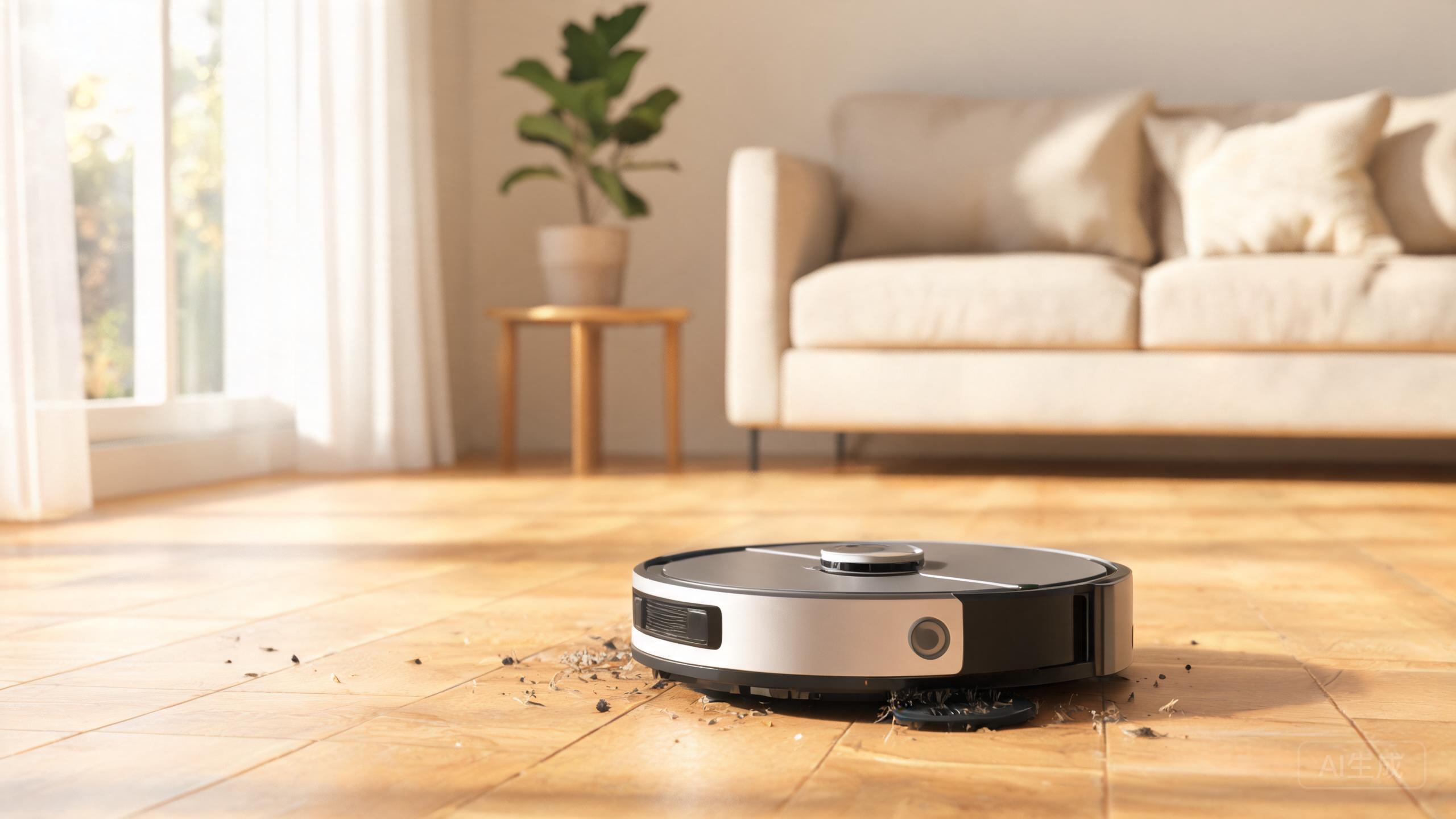
The Mova P50 Pro Ultra earns its reputation as a mid-range value pick: AI camera obstacle avoidance, a Tri-Cut anti-hair system, LiDAR navigation and dual spinning mops at an accessible price. But even a well-built machine only performs at its peak when you maintain it. This guide focuses on care, not specs — a simple weekly and monthly routine that keeps suction strong, navigation accurate and mopping consistent. If you are comparing options for the best robot vacuum 2026, remember that long-term ownership costs and upkeep matter as much as the launch price.
Why Care Matters More on a Mid-Range Flagship
The P50 Pro Ultra punches above its cost, and its strengths — AI camera avoidance, Tri-Cut hair handling, LiDAR mapping and dual spinning mops — all depend on clean components. A dusty camera lens misreads obstacles; a clogged filter chokes airflow; a matted mop smears instead of cleans. Treat maintenance as part of the value equation. A disciplined routine protects the features that make this a credible robot vacuum and mop combo review favorite, and it delays the wear that quietly erodes performance.
Weekly Routine: Brush, Mop and Bin
Start with the Tri-Cut main brush: flip the robot over, remove hair wrapped around the ends, and clear debris from the cutting element so the anti-tangle design keeps working. Next, pull the dual spinning mop pads, rinse them in warm water, and let them air-dry fully before reinstalling — damp pads breed odor and leave streaks. Empty the dustbin after every few runs; the P50 Pro Ultra's bin is on the smaller side, so frequent emptying keeps suction steady, especially in homes with pets where the best robot vacuum for pet hair is judged on sustained pickup, not just one clean pass.
Monthly Deep Care: Filter, Sensors and Camera
Rinse the filter under running water (never soap) and dry it completely for at least 24 hours before refitting — a damp filter damages airflow and motor load. Wipe the AI camera lens and the front obstacle sensors with a dry microfiber cloth; smudges here cause hesitant routing and false avoidances. Clean the LiDAR turret area gently so mapping stays precise. This is where LiDAR vs vSLAM robot vacuum debates become practical: LiDAR relies on a clear, unobstructed spinning sensor, so a dusty turret is the most common cause of sloppy navigation on this model.
Dock, Charging Contacts and Mopping Performance
The dock has fewer extras than premium rivals, which makes basic upkeep easier: wipe the base plate, clear dust from the self emptying robot vacuum path if your setup includes one, and clean the charging contacts with a dry cloth so the robot always docks and tops up reliably. For mopping, run a robot vacuum mopping performance test of your own each month — pass a damp cloth over a dried spill and check for residue. If streaks appear, the pads are worn or the water flow needs attention. Replacing pads on schedule is the cheapest way to keep 拖地机器人性价比 on your side.
Seasonal Checks and Storage
Every few months, inspect the wheels and side brush for tangled threads, and check the bumper for cracks. Before long storage, empty and dry every tank and pad, charge the battery to roughly half, and power the robot down. These small habits keep the P50 Pro Ultra dependable season after season and protect the resale or hand-me-down value of a machine that already ranks well on price.
Our verdict
The Mova P50 Pro Ultra is a strong value machine, but its AI camera avoidance, Tri-Cut hair system, LiDAR navigation and dual spinning mops all reward consistent care. A few minutes weekly and a deeper monthly pass are enough to keep suction, mapping and mopping close to day-one levels. Buy smart, maintain smarter — that is how a mid-range flagship keeps outperforming its price for years.