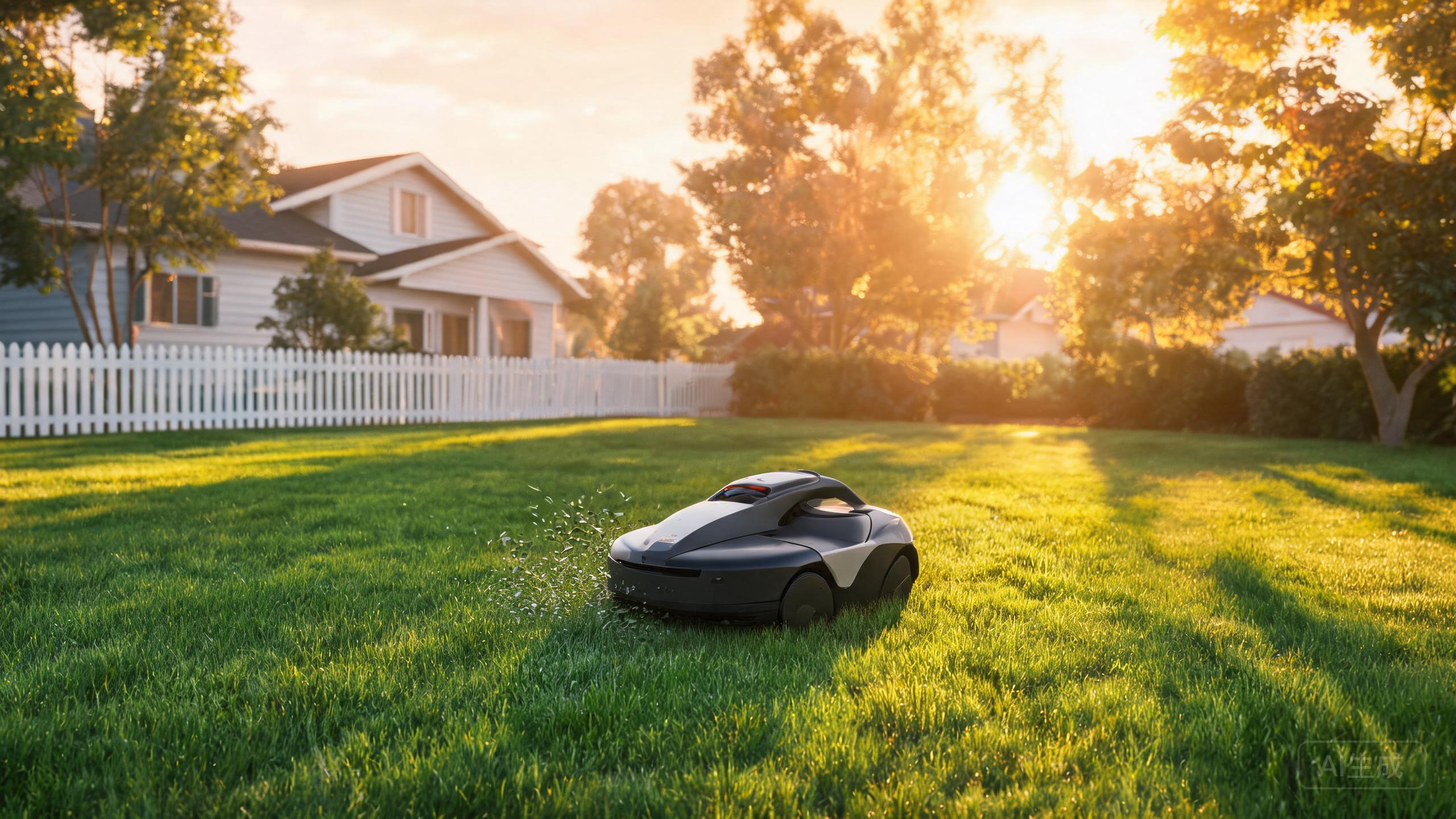
The AirSeekers Tron is a wire-free robotic mower that maps your lawn without boundary cables, which makes installation far simpler than traditional wired models. This guide walks you through the physical setup and app configuration so you can get mowing quickly. Because the Tron relies on wire-free mapping rather than a buried perimeter wire, most of the work happens in the app rather than in the ground. Note that the Tron is a value pick with a smaller app ecosystem and less refined mapping than premium rivals, so a little patience during first-time setup pays off.
Step 1: Unbox, Charge, and Place the Dock
Start by charging the Tron fully before first use, since it runs on a battery. While it charges, choose a dock location. Pick a flat, level spot near the edge of the lawn with access to power, and give the dock clear space on all sides so the mower can approach and reverse without obstruction. Because the Tron is wire-free, you do not need to trench or bury a perimeter cable, which is the biggest time-saver in this robotic lawn mower installation compared with wired systems. Keep the dock out of standing water and away from steep drop-offs at the lawn edge.
Step 2: Pair the App and Run the First Mapping Pass
Download the AirSeekers app and pair the Tron following the on-screen prompts. Once connected, run the initial mapping pass. Drive or guide the mower around the perimeter of your lawn so it records the boundary wire-free, then let it map the interior. This is where the RTK vs GPS robotic mower distinction matters: wire-free mowers depend on satellite positioning and onboard sensors, so give the Tron a clear view of the sky during mapping and avoid starting under heavy tree cover. Because the Tron's mapping is less refined than premium models, review the map afterward and re-run the pass if edges look inaccurate. For a large lawn, map in sections rather than all at once to keep the recording manageable, which helps if you are searching for the best robot mower for large lawn performance.
Step 3: Set Zones, Schedules, and Slope Limits
After mapping, divide the lawn into mowing zones in the app and set a schedule that suits your routine. The Tron mulches as it cuts, so you can mow regularly without bagging clippings. If your yard includes inclines, configure slope handling carefully: the Tron is a candidate robotic mower for steep slopes only within the limits the app and manual specify, so test on a small incline first and confirm traction before scheduling full coverage. Keep zones separated logically so the mower finishes one area before moving on. This zoning step is central to any wireless robotic mower review, because good zone setup compensates for simpler mapping and keeps the mower efficient.
Step 4: First Run Checks and Maintenance Basics
Before the first scheduled cut, watch a full cycle to confirm the Tron returns to its dock and navigates zone boundaries correctly. Adjust zone edges or the schedule if it repeatedly misses spots. Keep the blades and underside clean, and check the charging contacts periodically. As a value pick, the Tron rewards simple routine care rather than complex tuning. If you are comparing options and weighing the best robotic lawn mower 2026 candidates, remember the Tron's strengths are wire-free operation, mulching, and price, while its app ecosystem is smaller, so rely on the core scheduling and zone tools rather than expecting advanced integrations.
Our verdict
Setting up the AirSeekers Tron is refreshingly simple because there is no boundary wire to bury: charge it, place the dock, pair the app, map the lawn, and set zones and schedules. Give the first mapping pass a clear sky view, test any slopes cautiously, and keep routine maintenance simple. With realistic expectations about its smaller app ecosystem and less refined mapping, the Tron delivers wire-free mulching at a competitive price and is a solid value pick for boundary-free lawns.